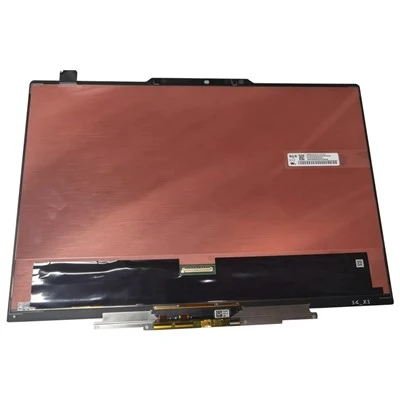
Regarding the advantages of the touch all-in-one and the precautions for use. Touch all-in-one computers, like embedded industrial computers and industrial tablet PCs, have some things to pay attention to during use. Knowing these precautions can effectively avoid damage to the machine. What are the specifics? Come and have a look.
Introduction to the advantages of touch all-in-one:
1. Resistive touch screen, precise positioning.
2. Touch technology, support USB interface touch screen, support handwriting input function.
3. High-density touch point distribution: more than 10,000 touch points per square inch.
4. Multi-touch, maximum support 36-point touch, ten-finger colleague touch.
5. High definition, no glass work. The environmental requirements are not high, and the sensitivity is high. It is suitable for working in a variety of different environments.
6. Equipped with a high-performance resistive touch screen with a life span of more than one million clicks, no mouse and keyboard are required. All operations of the computer can be realized by simply tapping or swiping the screen with a finger, allowing customers to use it easily. The big innovation of the touch all-in-one machine is that it uses multi-touch technology, which completely changes the way people interact with computers.
Precautions for the use of all-in-one touch screens:
1. When the lead wire reinforced plate part is not allowed to bend.
2. Avoid directly taking the lead wire and picking up the touch screen, and avoid pulling the lead wire.
3. The touch screen part of the touch screen all-in-one machine is glass fragile, so the touch screen should be handled gently when assembling.
4. The touch screen part of the touch screen all-in-one machine is made of glass, and the corners of the glass are relatively sharp. When assembling, you need to wear gloves/finger cots for work.
5. The touch screen film surface of the all-in-one touch screen is the touch surface, that is to say the front of the product; the glass surface is the non-touch surface, that is, the back of the product.
6. Any part of the lead wire is not allowed to be folded in half. When assembling, the lead wire must be inserted horizontally, and cannot be inserted in half at the root of the reinforcing plate.
7. In order to ensure the normal operation of the touch screen system, in addition to ensuring the correct installation of the system software, it is also necessary to remember not to install two or more touch screen drivers on a host, which will easily cause problems during system operation. Conflict, so that the touch screen system cannot be used normally.