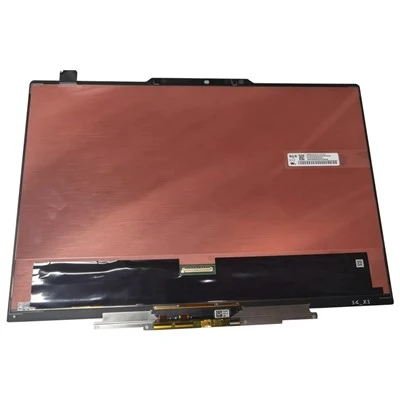
The teaching all-in-one computer is a computer-based input device with human-computer interaction function. It has the same data processing function as a computer and a specific touch pen, so that it can replace the mouse to operate on the whiteboard, run any application program, and easily realize any operation functions that the keyboard and mouse on the computer can achieve, such as writing, marking, geometric creation. Drawing, editing, printing, annotating, saving, etc. The all-in-one teaching machine will become the main means of modern teaching, office meetings, distance education and information exchange in the future.
All-in-one teaching machine
1. Switch machine
①Function keys
②Mouse and keyboard
Press and hold the screen for more than three seconds to form a circle to realize the right-click function.
2. Menu interface function
①Writing and erasing: You can use different types and colors of pens to mark on the screen and perform handwriting recognition of Chinese characters, English and erasing functions;
② Provides drawing functions of at least 7 kinds of shapes such as rectangle, triangle, ellipse, trapezoid, etc., and can fill in different colors at will, resizing, rotating, deleting, copying, filling and other common functions, and can adjust any object in the page. Edit, copy, paste, move, zoom in, zoom out, rotate, etc.;
③The virtual digital blackboard of unlimited size can be dragged and extended at will; the written and annotated content can be previewed globally and quickly positioned; the real image can be zoomed in and out with fingers, and the dynamic signal of the booth can be annotated directly on the screen.
④Use handwriting recognition to turn Chinese characters into print.
⑤Provide auxiliary functions such as curtain, calendar, clock, spotlight, screen shot, magnifying glass, calculator, protractor, ruler, triangle board, compass, etc.;
⑥Courseware annotation: You can write PPT documents, WORD documents, EXCEL documents at will, and save the writing content;
⑦Multi-discipline mode: It has independent subject scenes such as Chinese, mathematics, English, physics, chemistry, etc., and supports PAD wireless interactive independent scene mode, which is convenient for teachers to use in teaching.